Google Business Profile for Notaries: The Complete Setup Guide
The free Google listing matters more than your website for getting "notary near me" calls. Step-by-step setup for mobile notaries — service areas, categories, reviews, and the mistakes that get profiles suspended.
Introduction
When someone searches "notary near me," Google shows a map with three businesses before it shows a single website. Those three spots — the local pack — get the overwhelming majority of the clicks and calls. And the thing that decides who's in them isn't your website. It's your Google Business Profile: a free listing most notaries either don't have or set up wrong.
Here's the complete setup, tuned for the mobile notary situation specifically.
Step 1: Create the profile (without exposing your home address)
Go to google.com/business and sign in. When it asks for your business name, use your real business name exactly as you use it everywhere else — no keyword stuffing ("Arlington Mobile Notary 24/7 Best Cheap" will eventually get flagged; "Chen Notary Services" won't).
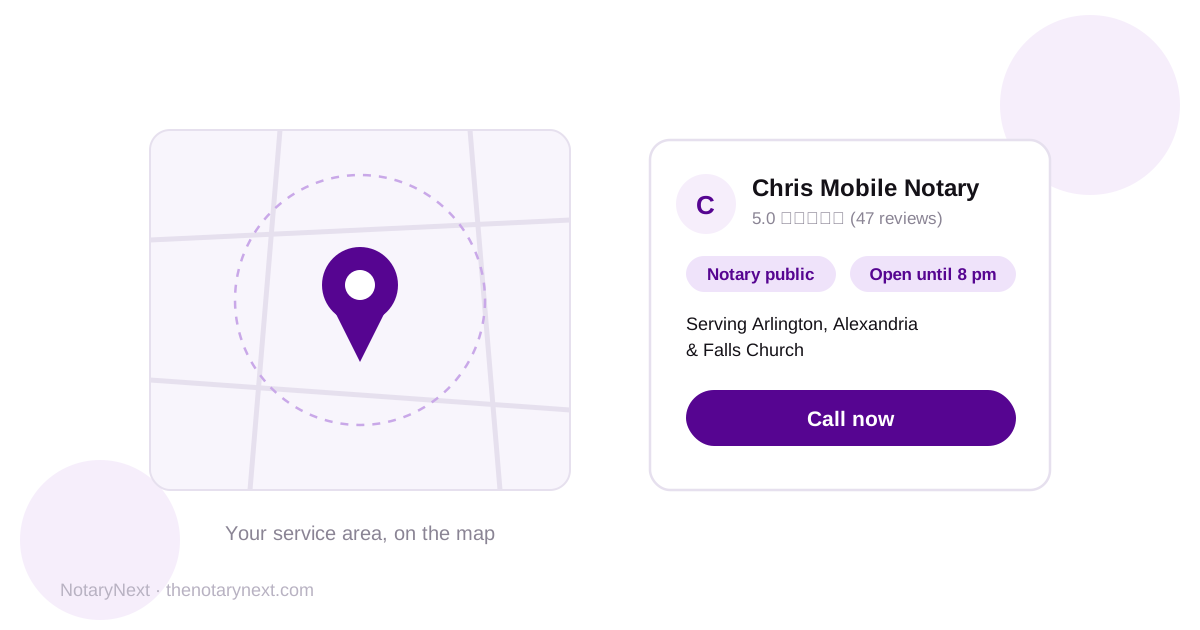
Now the important part for mobile notaries: when it asks if customers visit your location, say no. This makes you a service-area business — your home address stays hidden from the public listing, and instead you show the areas you serve. You'll still verify with a real address (Google needs to confirm you exist), but it won't be displayed.
Step 2: Set your service area like you mean it
List the actual cities and counties you'll drive to — up to 20 areas. Be honest about your radius: listing a city 90 minutes away doesn't help you rank there (proximity still matters heavily in local results) and just generates calls you'll decline. Your strongest visibility will always be nearest your base.
Step 3: Category, services, and the fields notaries skip
Primary category: "Notary public." This is the single most important field on the profile — it's how Google decides which searches you match.
Services: add every service you actually offer as separate entries — loan signing, mobile notary, apostille assistance, hospital signings, estate documents. Each one is a matching opportunity when someone searches for exactly that thing.
Description: 750 characters, plain language, mention your coverage area and specialties. Write for a nervous person who needs a document signed today, not for Google.
Hours: if you take evening and weekend appointments, say so — "open now" is a filter people use, and most notaries' listed hours end at 5pm. Your 8pm availability is a competitive advantage; list it.
Photos: a real photo of you, your setup, your stamp and journal (staged is fine). Profiles with photos get dramatically more engagement than empty ones, and a face builds the trust that "stranger coming to my house with legal documents" requires.
Step 4: Verification
Google will verify you — by video, phone, or mail depending on what it offers your account. For service-area businesses, video verification (showing your equipment, commission certificate, and proof of area) has become common. Follow the prompts honestly; don't try to shortcut it. Verification is also why you must never create multiple profiles or use a fake address — suspensions are hard to appeal and take your visibility to zero.
Step 5: Reviews — the ranking factor that compounds
Once verified, your profile lives or dies on reviews: count, recency, and rating all feed your local ranking, and they're what searchers compare before calling. Two moves:
Get your review link: in your profile dashboard, find "Ask for reviews" — that short URL opens straight to your five-star box. Save it where you can text it in five seconds.
Build the habit of asking every signer, every time, right after the signing. The full playbook with word-for-word scripts is here: How to get more Google reviews as a mobile notary — or let NotaryNext send the request automatically after every completed signing, which is how you make "every signer, every time" actually happen.
Reply to every review you receive — two lines is plenty. An actively managed profile outranks an abandoned one.
Step 6: Connect it to your website
Link your website on the profile, and link your profile from your website. That two-way connection helps Google confirm the business on the map and the business on the web are the same entity — it's one of the 12 factors in NotaryNext's Visibility Score, and one of the most commonly missed.
The maintenance reality
A Google Business Profile isn't set-and-forget, but it's close: a photo or post occasionally, prompt review replies, hours kept accurate. Fifteen minutes a month maintains what is, for most mobile notaries, their single biggest source of inbound calls.
And if you want to know how the rest of your online presence measures up — whether your website is helping or quietly undermining all of this — scan it with NotaryNext: 12 factors, a score, and a plain-English fix list. Free for 14 days.


